See DearMemory in action
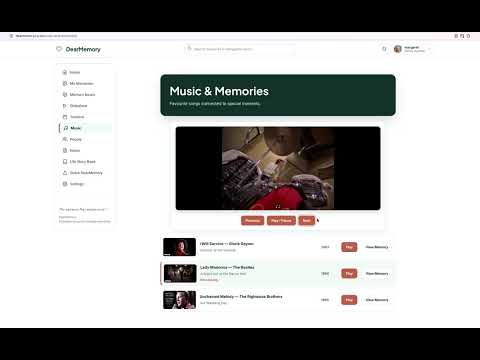
Watch a guided tour of DearMemory showing how families can create memories, add photographs, explore memories over time, use the Memory Map, keep private notes and more.
Download & Print
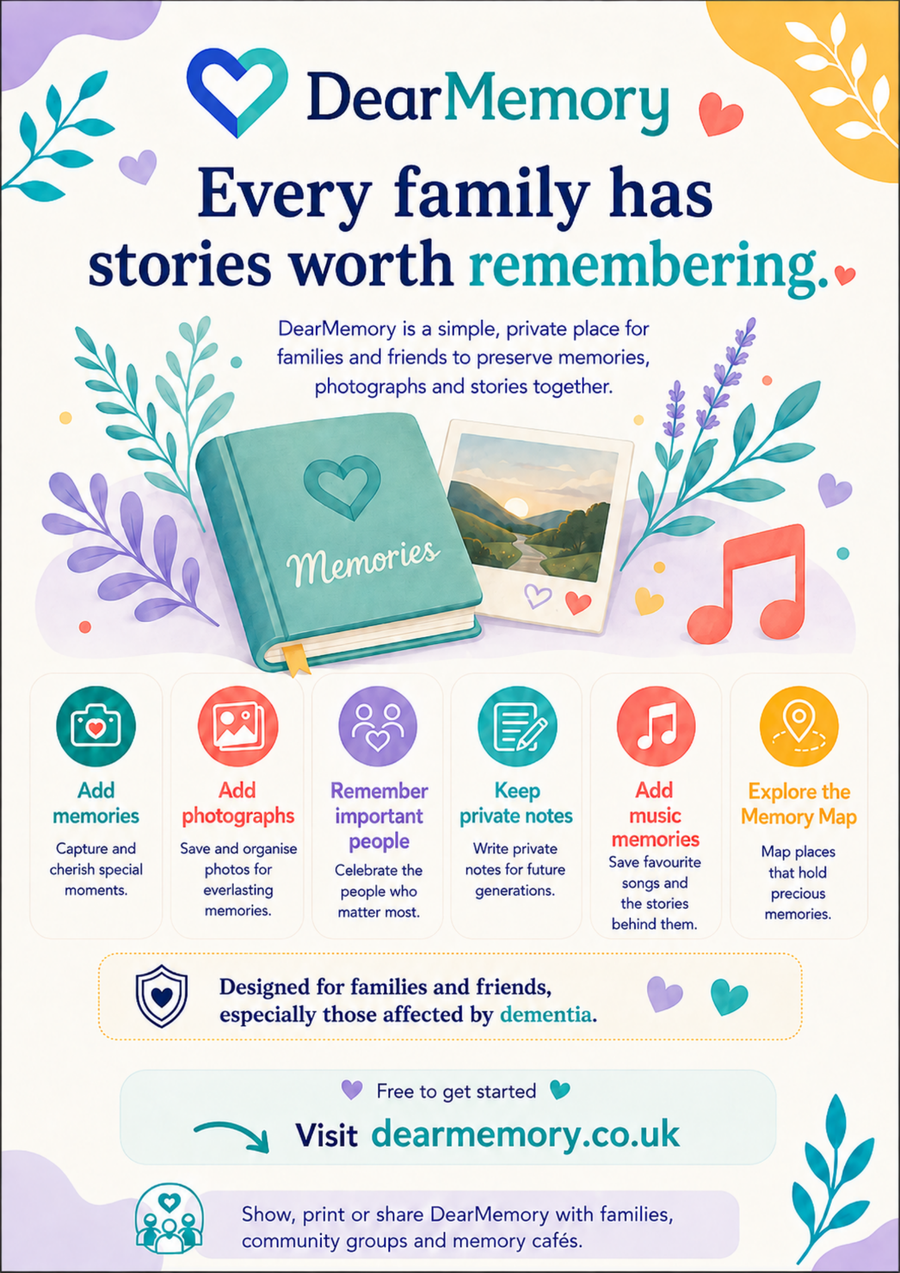
Download and print DearMemory information for families, community groups, memory cafés and other organisations.
Printable PDF
Folded DearMemory Leaflet
A colourful 4-page leaflet designed to print double-sided on A4 and fold to A5. Ideal for families, community groups and events.
Printable PDF
DearMemory A4 Poster
A colourful single-page A4 poster for noticeboards, information tables and community events.
Short How-to Videos
Prefer a quick guide? Explore these short step-by-step videos to see different parts of DearMemory in action.
Overview
1. What is DearMemory? – A Free, Private Place to Remember Together
A quick introduction to DearMemory and how it helps families preserve memories, stories, photographs and meaningful moments.
Watch Video →
Getting Started
2. How to Add Your First Memory in DearMemory
See how to create a memory, add the story and begin building a personal Memory Room.
Watch Video →
Memories
3. How to View and Organise Memories in DearMemory
Learn how to browse, revisit and organise memories as the collection grows.
Watch Video →
Cards & Timeline
4. How to Switch Between Cards and Timeline in DearMemory
See how to switch between the visual Cards view and the Timeline to explore memories in different ways.
Watch Video →
Private Notes
5. How to Use Private Notes in DearMemory
See how families can keep useful private information separate from the main memory story.
Watch Video →
People
6. How to Add People in My Life in DearMemory
Learn how to add important people and familiar faces to a DearMemory Memory Room.
Watch Video →
Life Story Book
7. How to Use the Life Story Book in DearMemory
See how saved memories can begin to form a wider life story and personal record over time.
Watch Video →
Memory Map
8. How to Use the Memory Map in DearMemory
See how memories can be explored by place and connections using the DearMemory Memory Map.
Watch Video →
Memory Slideshow
9. How to Use DearMemory Slideshow – Standard and Fullscreen View
See how to enjoy memories automatically in standard view or fullscreen view with music and audio.
Watch Video →
Music & Memories
10. How to Use Music & Memories in DearMemory
Learn how favourite songs and music can be brought together with memories in DearMemory.
Watch Video →
See the Memory Slideshow
See how DearMemory can automatically move through memories in Standard View or Full Screen, making it easy to enjoy memories together without needing to keep pressing controls.